KDP tools for authors
Free book publishing tools
Free book publishing tools for the work between final draft and upload.
Start where your file is stuck: check the DOCX structure and page preview, then size the cover wrap and spine, then validate the EPUB. Each one runs free in the browser and gives you a result you can act on before any payment.
Checked:
✓44 focused release tools✓No card before a result✓Honest free and paid boundaries
Find the smallest publishing path that solves the next job.
Answer four questions. The result can be a free tool, a ShipMyBook plan, or a competitor that fits better. No email is required.
Free publishing tools
Start with the KDP cover calculator authors actually finish.
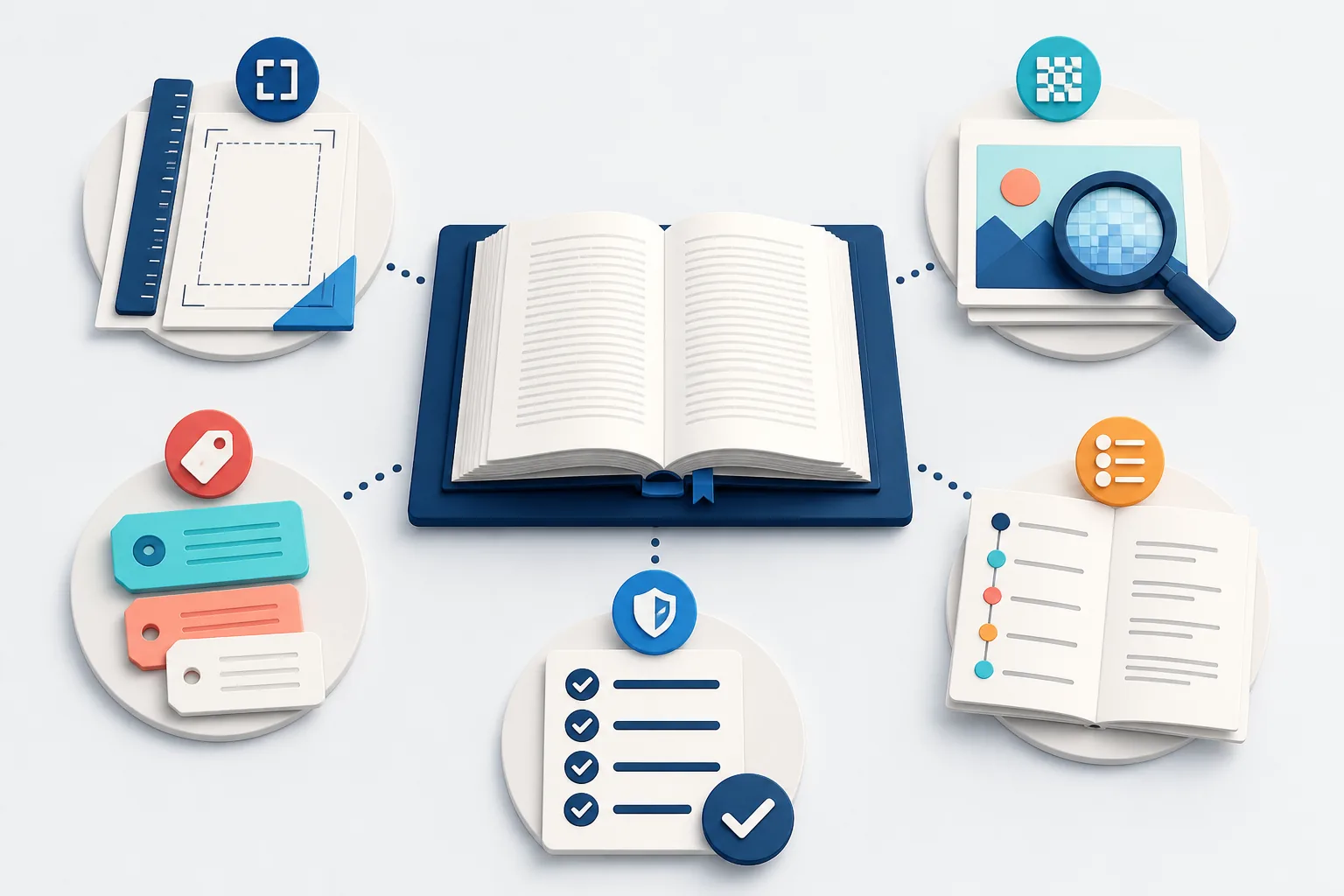
The cover wrap calculator is the deepest free path on ShipMyBook. Then check metadata and upload errors before you pay for a $39 release.
KDP planning and upload tools
Free book launch timeline planner
Plan the final 30 days of a book launch in dependency order.
Free KDP cover calculator
KDP cover calculator: size the full wrap before you place art.
KDP trim size recommender
Choose a KDP book size before margins and cover geometry.
Free word count to pages calculator
Estimate book pages from the choices that actually change layout.
Free KDP keyword checker
KDP keyword checker for the seven fields Amazon reads.
Free KDP royalty calculator
KDP royalty calculator: what one sale actually pays you.
Free multi-platform royalty compare
Multi-platform royalty compare: what one sale pays per store.
Free KDP weekly quota checker
KDP weekly quota checker: stay under the title limit.
Free KDP manuscript template
Download a KDP manuscript template built as a real DOCX.
Free 6 × 9 KDP template
Generate a 6 × 9 inch KDP manuscript template in Word.
Free slop risk checker
Find the patterns readers call AI slop — before upload.
Formatting and file validation
Free DOCX preflight
KDP book formatter preflight for your Word manuscript.
Private DOCX to EPUB preview
Preview a finished text-led DOCX before an EPUB release.
Free manuscript release preview
Review modeled KDP file risks before you pay for release files.
Interactive ebook typography preview
Choose an ebook font system, not one locked reading size.
Interactive release checklist
A pre-upload checklist to catch the reasons KDP rejects books.
Validation, metadata, and recovery
Private EPUB validator online
EPUB validator online for the file you plan to publish.
Browser-only print PDF preflight
Check a print-ready book PDF before the upload fails.
Free book image DPI checker
Book image DPI checker for the size you will actually print.
Free KDP metadata checklist
Check KDP book metadata against the cover before upload.
Free platform metadata check
Platform metadata check before the same files go to many stores.
Free KDP error decoder
Find the real cause of a failed KDP upload before re-trying.
Author tools for planning and listing
Free ISBN validator
Validate any ISBN and get the clean ISBN-13 form.
Free ISBN barcode preview
Generate an ISBN barcode for your cover mockup.
Free word counter
Count words, characters, and estimated pages.
Free book title ideas
Book title generator: one theme word in, ten title ideas out.
Free front matter generator
Generate the title page and copyright page text.
Free cover file check
Check DPI and bleed before uploading the cover.
Free KDP listing helper
Fill all seven keyword slots and categories.
Free printing cost estimator
Estimate the printing cost per paperback copy.
Free series planner
Plan the series arcs book by book.
Free writing goal tracker
Turn a deadline into a daily word count.
Free chapter outline
Generate a three-act outline skeleton.
Free author press kit
Build a bio, one-liner, and press release skeleton.
Free launch diagnoser
Find out why the book is not selling, then fix it in order.
Free proof checklist
Review the printed proof before ordering author copies.
Free Amazon Ads break-even calculator
Amazon Ads break-even calculator: the ACOS where ads stop paying.
Free self-publishing cost calculator
Self-publishing cost calculator: what the book must earn back.
Stores, languages, and audio paths
Where to publish this book
Pick language and format. See which stores actually fit.
KDP Select exclusivity checker
See what KDP Select actually locks before you enroll.
KDP language support checker
Check whether KDP even lists your book language.
IngramSpark royalty calculator
See Ingram net per sale before you turn returns on.
Google Play Books country checker
Check whether your country can sell on Google Play Books.
Audiobook platform checker
Pick narration and destination before you record hours of audio.
Format guides by book type
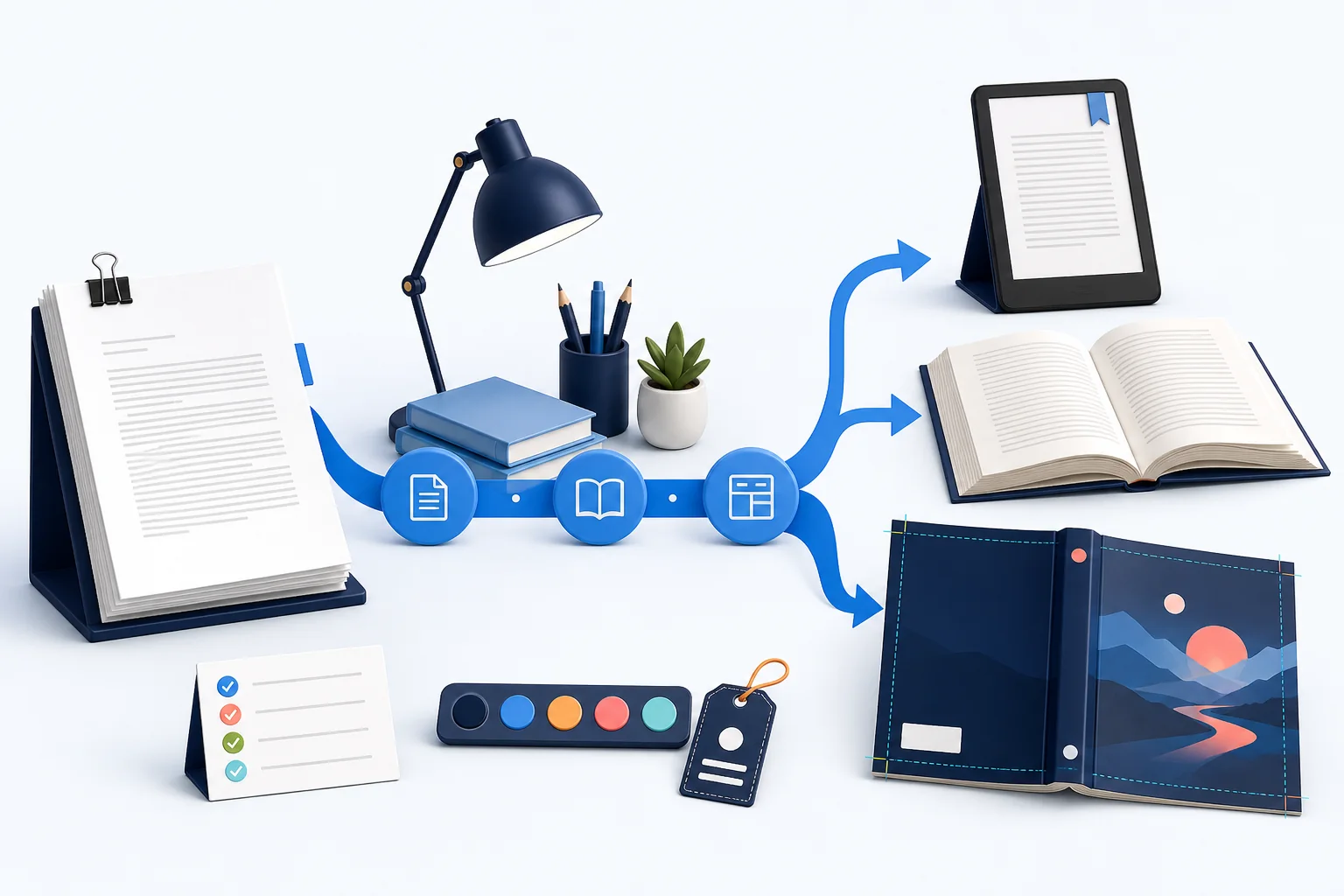
Pick a free check by publishing job
Planning tools estimate page count, recommend trim size, calculate cover geometry, and work backward from a target publication date. File tools inspect DOCX structure, build a simple EPUB, validate EPUB package signals, check print PDF basics, preview ebook type, and test image DPI at its intended size.
Release tools decode a KDP failure, compare title and author metadata with the cover, provide Word templates, and walk through a dependency-ordered formatting checklist. Each result links to the next check for a reason instead of presenting an unrelated directory.
- Plan: timeline, words-to-pages, trim size, and cover dimensions
- Format: DOCX preflight, sample pages, DOCX to EPUB, and ebook type
- Validate: EPUB, print PDF, image DPI, upload errors, and metadata
- Prepare: manuscript templates and the final formatting checklist
Where established free products still win
ShipMyBook is not a blank-page writing editor and does not pretend that running a public validator is proprietary. Use the established product when its free workflow already solves the entire job; use ShipMyBook when you need the checks connected to one finished source or need a replacement file after a failure.
| Product | It wins when | ShipMyBook is useful when |
|---|---|---|
| Reedsy Studio | You want to write and perform basic formatting in a free browser editor, then its EPUB or PDF export passes your checks. | The manuscript is already finished and you want separate preflight, error explanation, or a reviewed replacement package. |
| Kindle Create | You publish a supported KDP-first book, accept its workflow, and need Amazon's free desktop tool. | An import changed the source, the upload failed, or you need files and release assets kept against one approved version. |
| EPUBCheck | You can run the authoritative open-source validator, interpret every code, and repair the package yourself. | You need plain-language impact, a repair, a second validation, and a replacement EPUB. |
| Calibre | You are comfortable converting, editing, and inspecting ebooks in a powerful free desktop application. | You prefer a task-specific browser path and do not want to learn a general-purpose ebook toolbox. |
The paid boundary is repair and delivery, not the check
The free layer calculates, inspects, and explains early signals. A $39 One Book Release provides automated export for a finished text-led manuscript. The order scope is clear before work, and the deliverable output is the version-locked EPUB, print interior, cover check, metadata report, and release assets—not a prettier error screen.
Repeat-author Studio workspaces store numbered sources and release status; they are streamlined cloud pipelines rather than bloated desktop editors.
Where your data goes: free checks vs a paid project
Free inspection reads selected file bytes and extracted content inside the browser. The original file is not uploaded during that check.
If an author chooses Continue in DOCX-to-EPUB, extracted title, author, and chapter text—not the original DOCX bytes—is saved before sign-in as a private preview protected by a token. A later signed-in project uploads a source file only after an explicit Upload.
With analytics consent, telemetry sends pseudonymous event and browser UUIDs, event name, locale, a sanitized page path, and allowlisted enum, numeric, or boolean properties. It excludes filenames, manuscript text, emails, raw error text, and query strings.
| Data class | Free inspection | Continue before sign-in | Consent-gated analytics | Signed-in project |
|---|---|---|---|---|
| Original selected file bytes | Read locally | Not sent by DOCX-to-EPUB continuation | Not sent | Stored only after explicit source-file Upload |
| Extracted title, author, and chapter text | Built locally for preview | Saved as a private token-gated preview after Continue | Not sent | Attached to the owner's project after sign-in and purchase |
| Filename | Read locally to select a file | Kept in browser state | Not sent | Stored as project metadata after source upload |
| Analytics envelope | Pseudonymous UUIDs are generated locally | No manuscript fields are added | After consent: event/browser UUIDs, event name, locale, sanitized path, and allowlisted properties | Uses the same analytics boundary |
| Email, raw error text, and query strings | Read in the browser only when a selected flow needs them | Not part of the private preview save | Not sent | Account or support data can be stored separately from analytics |
FAQ
Frequently asked questions
Are all 44 book publishing tools free?
Yes. Their calculations, browser checks, previews, templates, and guidance are available without a card. Automated export, replacement files, and multi-title Studio capacity are paid work.
Does ShipMyBook replace Atticus, Vellum, Reedsy Studio, or Kindle Create?
No. Those products win when you want to write or control layout yourself. ShipMyBook starts with a finished source and focuses on preflight, repair, version alignment, and release delivery.
Do public tools upload my manuscript?
The image, DOCX, EPUB, and PDF checks state their handling at the point of use. Browser-only checks do not send private file contents through analytics; signed-in delivery workflows have separate storage terms.
Was this publishing guide or tool helpful?
Start with the exact publishing block you have.
Use the path selector above or browse all checks by job. Pay only when an actual source needs review, repair, and replacement delivery.