1 of 8
Free check first · $39 for this book
Start with your DOCX or an AI-assisted outline. Check structure and preview pages free; a $39 release unlocks one approved text-led book, with 60 days of re-exports.
Try a sample and review the output before choosing a release. This is a workflow guide, not a scan of your book.
Amazon decides acceptance. Unstarted orders are refundable within 14 days; see the refund policy.
AI book writer
Ready for one sentence
See structure issues and an interior preview free. The $39 release is for supported text-led books; review any unsupported content before continuing.
Works with Word (.docx), Google Docs, Scrivener & ChatGPT drafts
Flip through a real sample
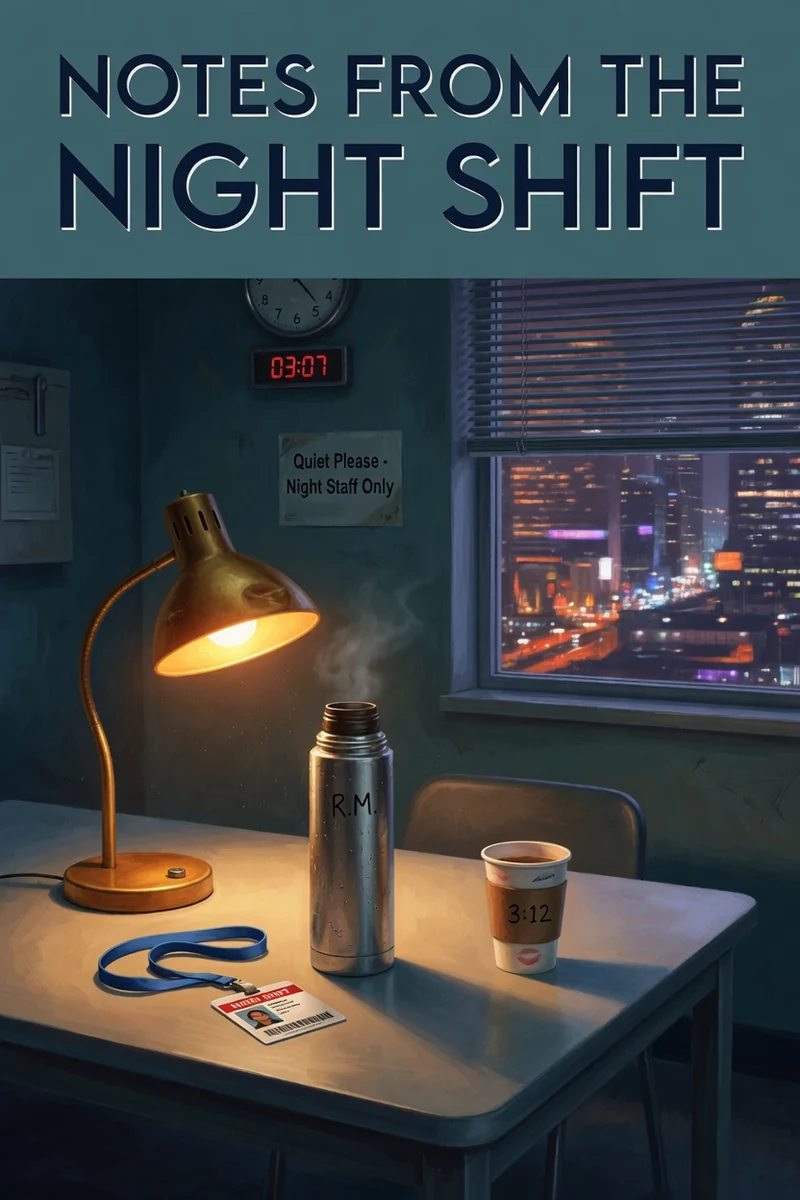
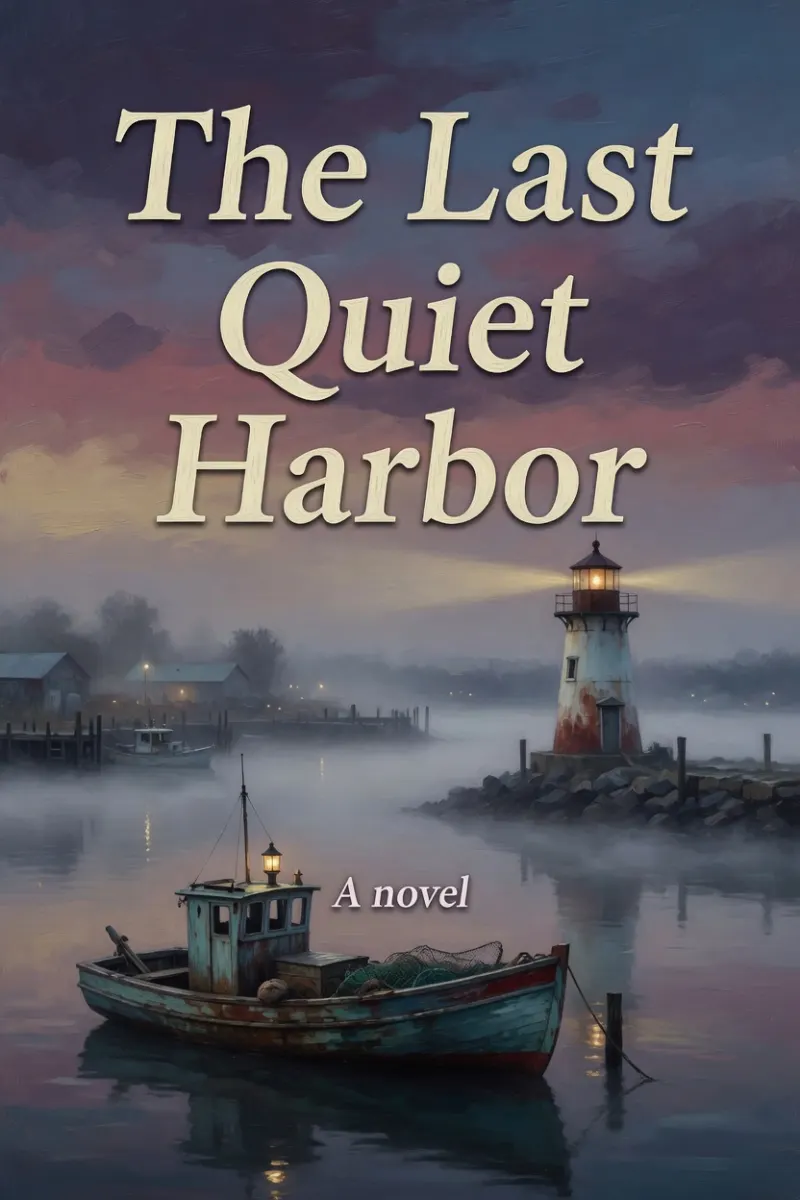
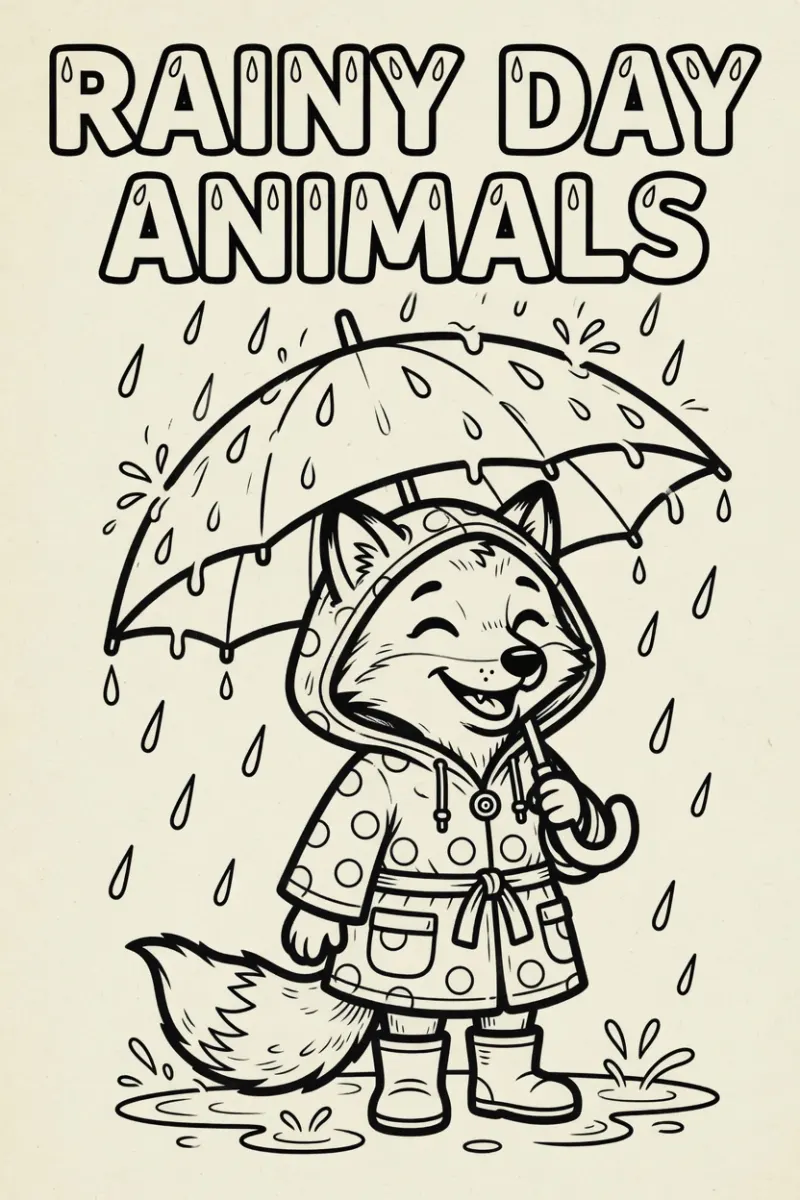
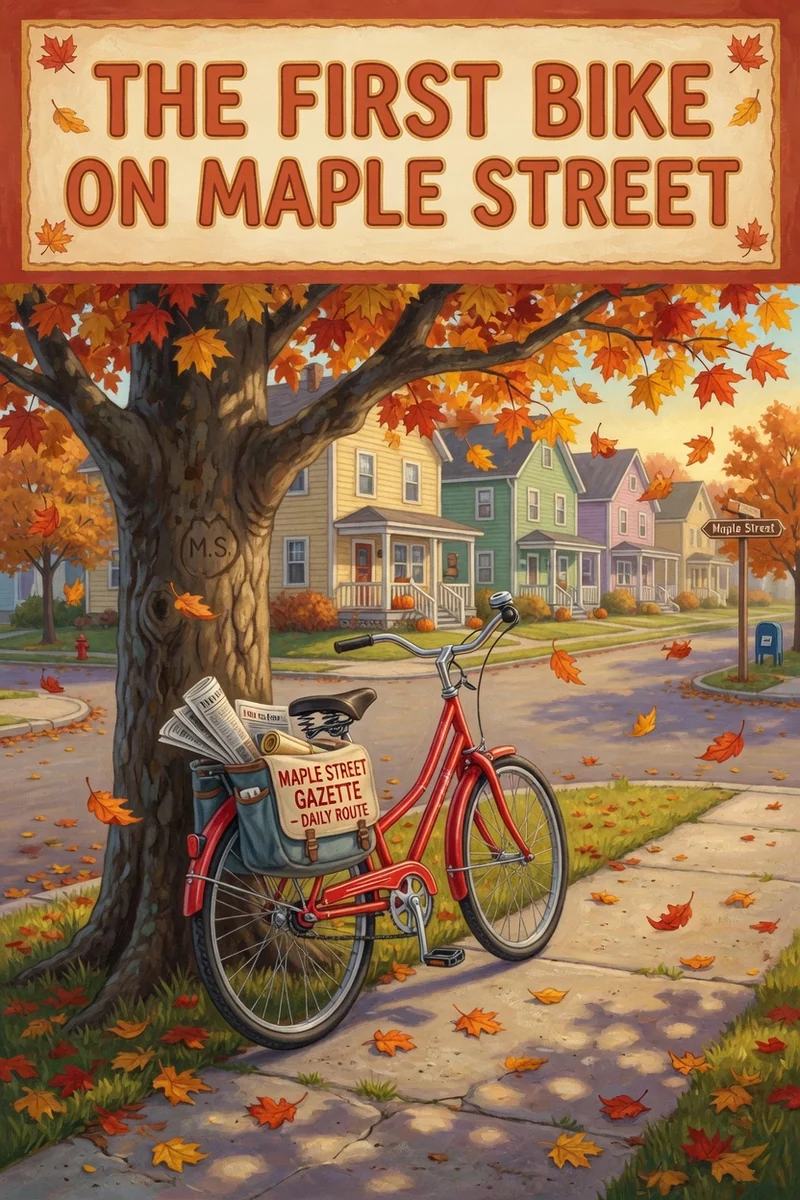
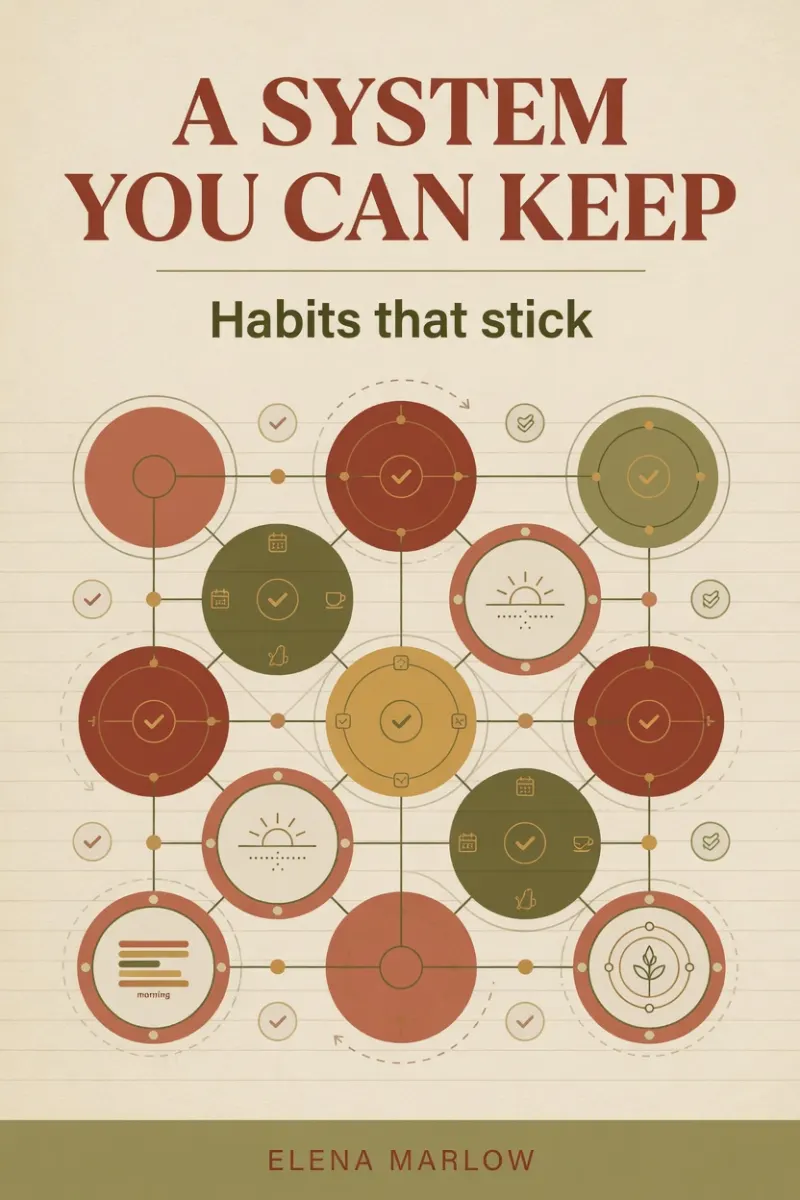
Three formats: a practical guide, a fiction outline, and a coloring-book page list. Tap the arrows to flip the cover and first pages.
1 of 8
1 of 8
1 of 6
Samples we made for this page. Not customer titles, and not Amazon sales claims.
Input text (JSON) · EPUB · PDF · Checks, changes, and SHA-256
Internal QA excerpt, not a customer book. The 2-page PDF has no embedded font and is below KDP's paperback minimum; it needs further preparation, not an upload promise. Chinese is EPUB-only. Artwork is not included in these text-only files.
Silent internal QA recordings in the English interface: load the sample and inspect its preview; enter 172 pages and download a cover guide; recheck the downloaded EPUB. No customer or paid-delivery claim.
Watch manuscript → preview · Watch 172 pages → cover PDF guide · Watch EPUB → package checks
How it works
One sentence is enough. You approve the outline before any chapter is written.
Read the draft, flip the sample pages, and keep this version tied to one title.
$39 unlocks this exact book's files. Amazon still decides acceptance.
One book release pass
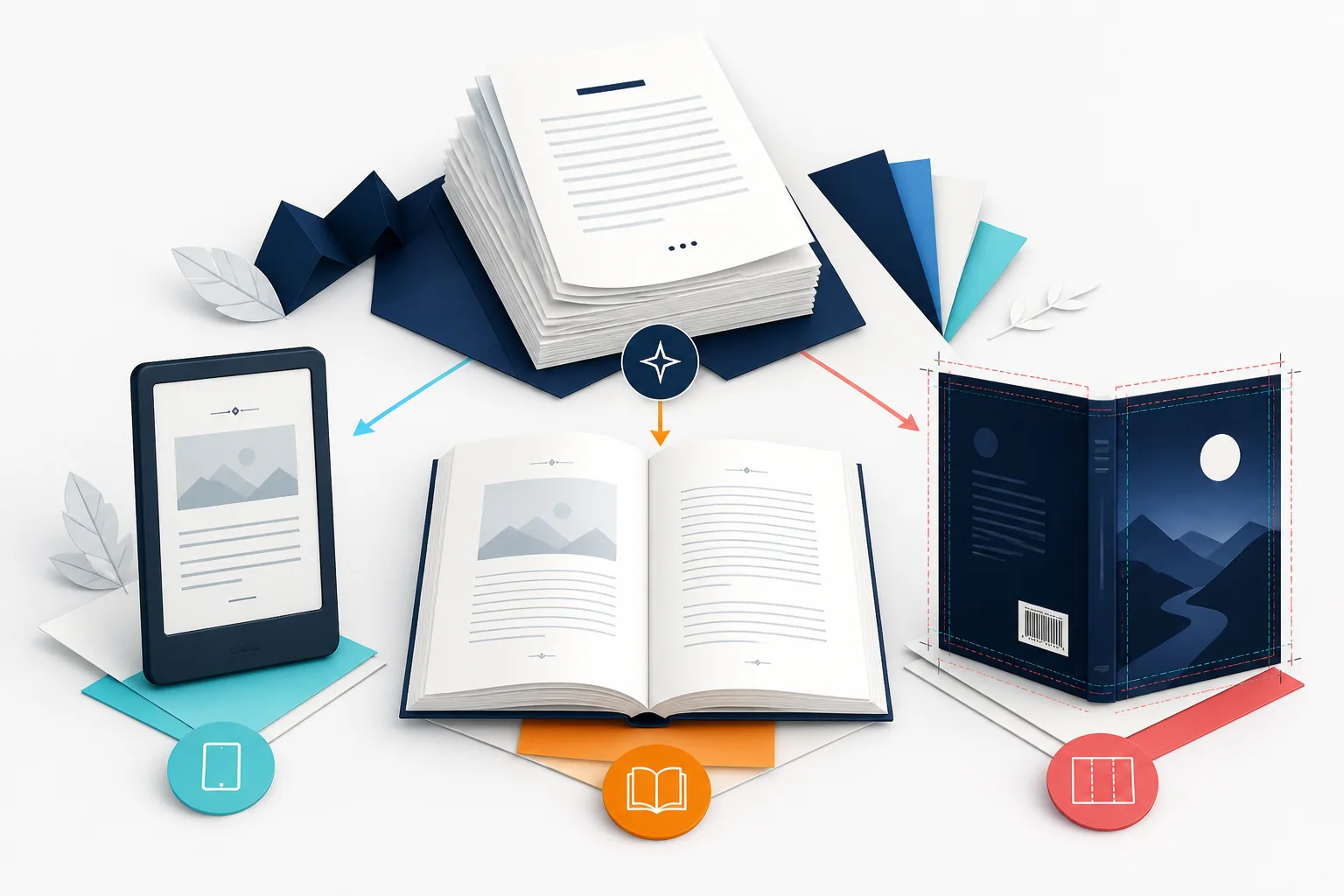
The $39 pass is for one approved, text-led book — whether it began in the guided writer or as your uploaded DOCX. It replaces a pile of disconnected final-mile subscriptions. Use the royalty calculator to estimate your break-even point: retailer share, delivery fees, print costs, and taxes vary by format and market.
More examples
Open the matching tool, or type one sentence and start your outline.
Before you upload
Each one is checkable in the browser before you pay for anything. These checks reduce preparation risk; Amazon still decides acceptance.
A KDP cover wrap is the single continuous spread that includes the back cover, spine, and front cover. Calculating from an unverified draft page count shifts the spine panel. For Amazon KDP, calculate exact spine width (page count × 0.002252 in for white paper) plus 0.125 in bleed on all outer edges before placing cover art.
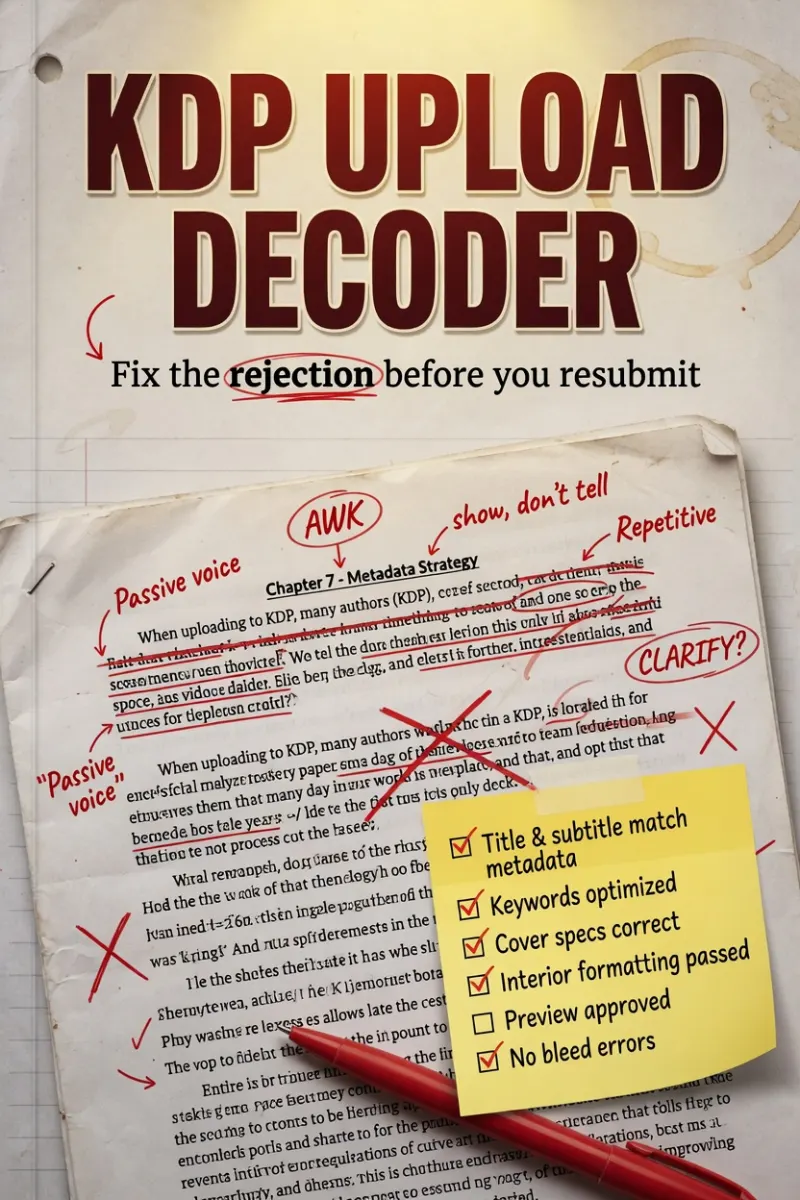
A failed manuscript upload can involve fonts, margins, file structure, or other checks. Paste the error message into the decoder to match likely causes and follow the next checks; it does not inspect Amazon's internal decision.
An EPUB validation error is a package specification failure where the mimetype is compressed, META-INF/container.xml is missing, or the OPF spine reading order is empty. Validate and inspect your EPUB structure directly in the browser before submitting to Amazon KDP, Apple Books, or Kobo.
Choose by publishing responsibility
These paths change the order, proof, and paid boundary without cloning one generic sales page four times.
One first release
Try established free editors first, lock one manuscript, and pay only when a real file needs repair.
Follow the first-book pathFinished KDP manuscript
Check pages, cover, validation, metadata, and upload problems in dependency order.
Open the KDP author pathRepeat publishing
Keep numbered sources and release status aligned across five or twenty single-account workspaces.
See the series workflowClient books · pilot
Review the collaboration limits and apply for the pilot; client invitations, approvals, and white-label reports are not sold yet.
Review the professional pilot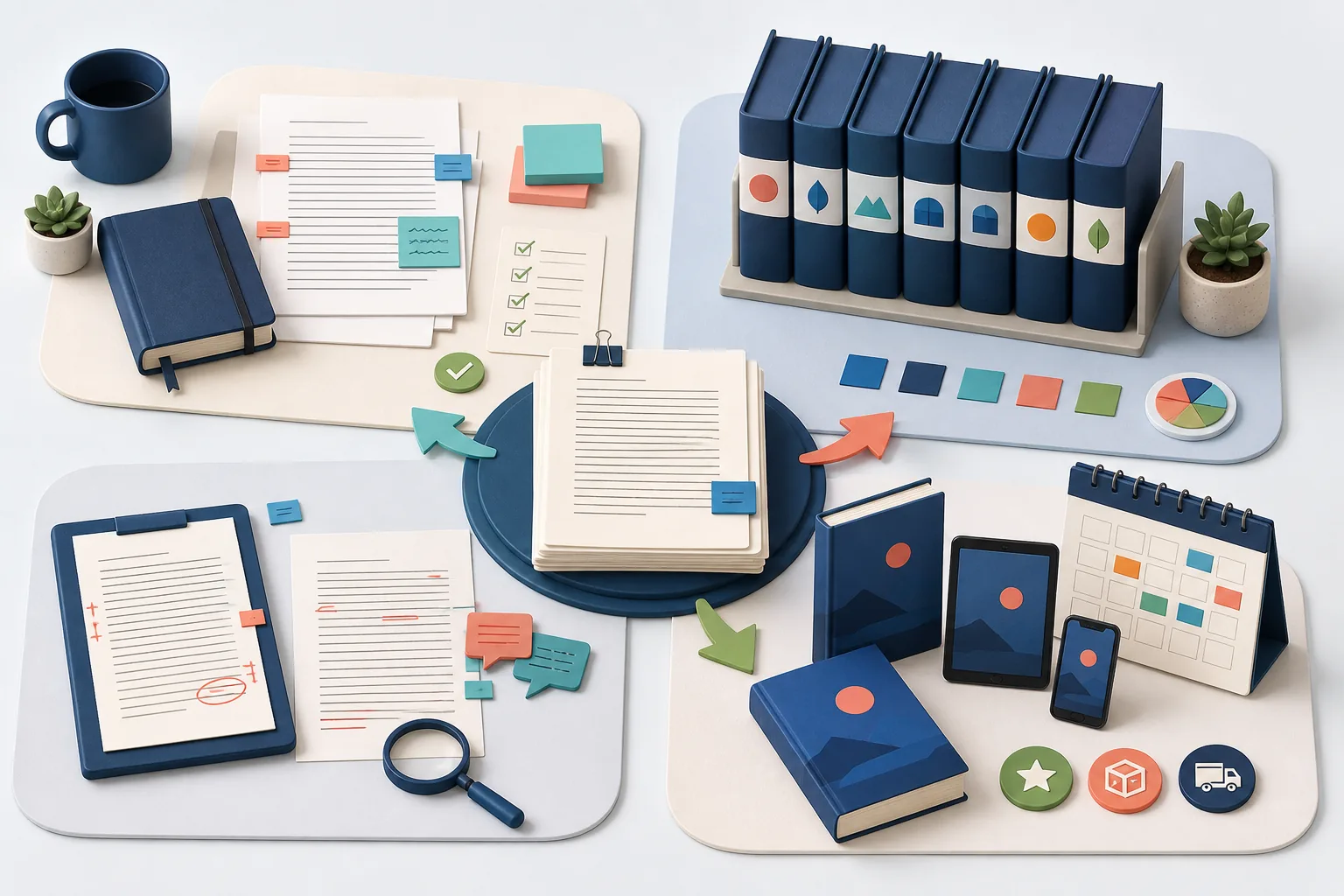
Free publishing tools
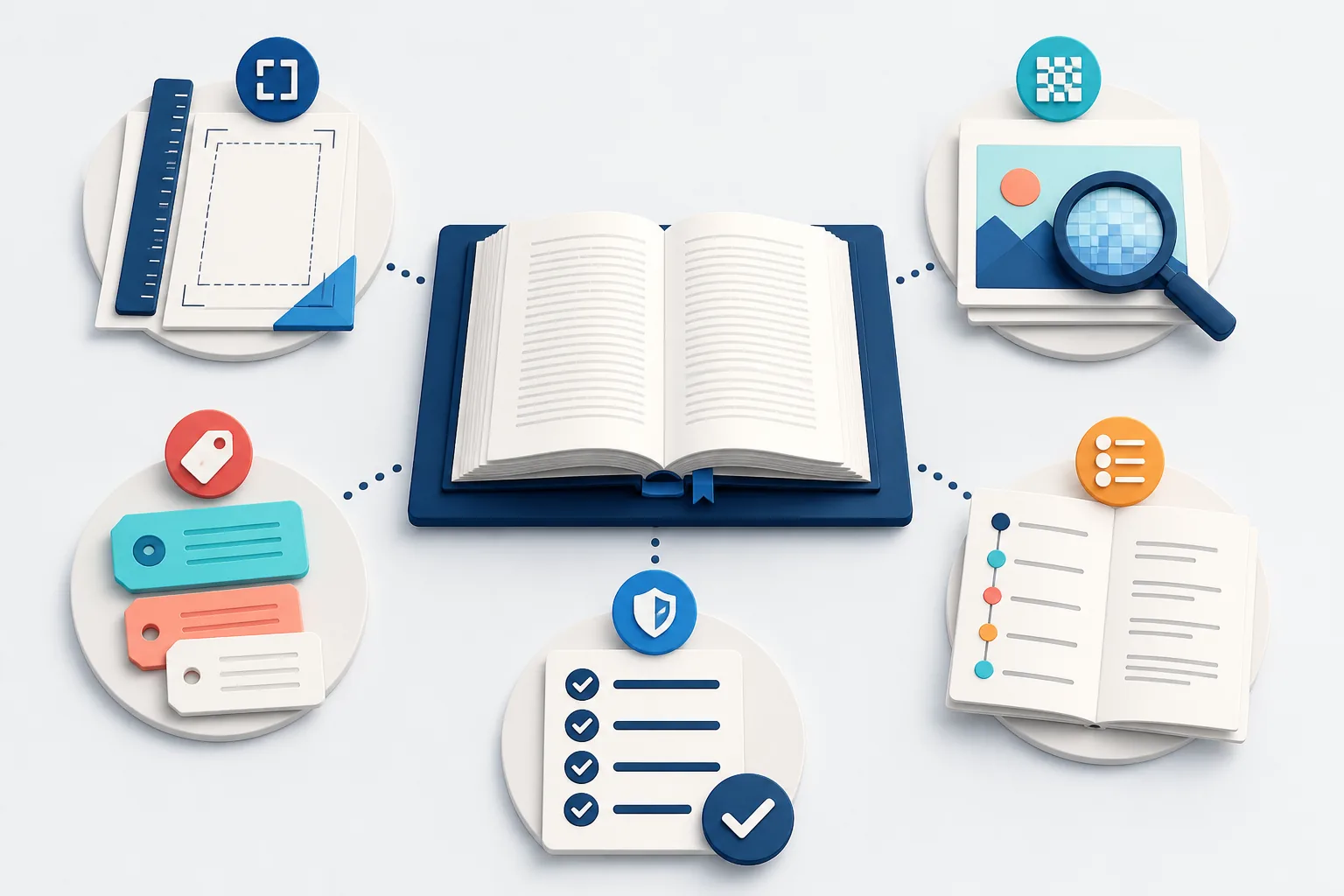
The cover wrap calculator is the deepest free path on ShipMyBook. Then check metadata and upload errors before you pay for a $39 release.
Free book launch timeline planner
Free KDP cover calculator
KDP trim size recommender
Free word count to pages calculator
Free KDP keyword checker
Free KDP royalty calculator
Free multi-platform royalty compare
Free KDP weekly quota checker
Free KDP manuscript template
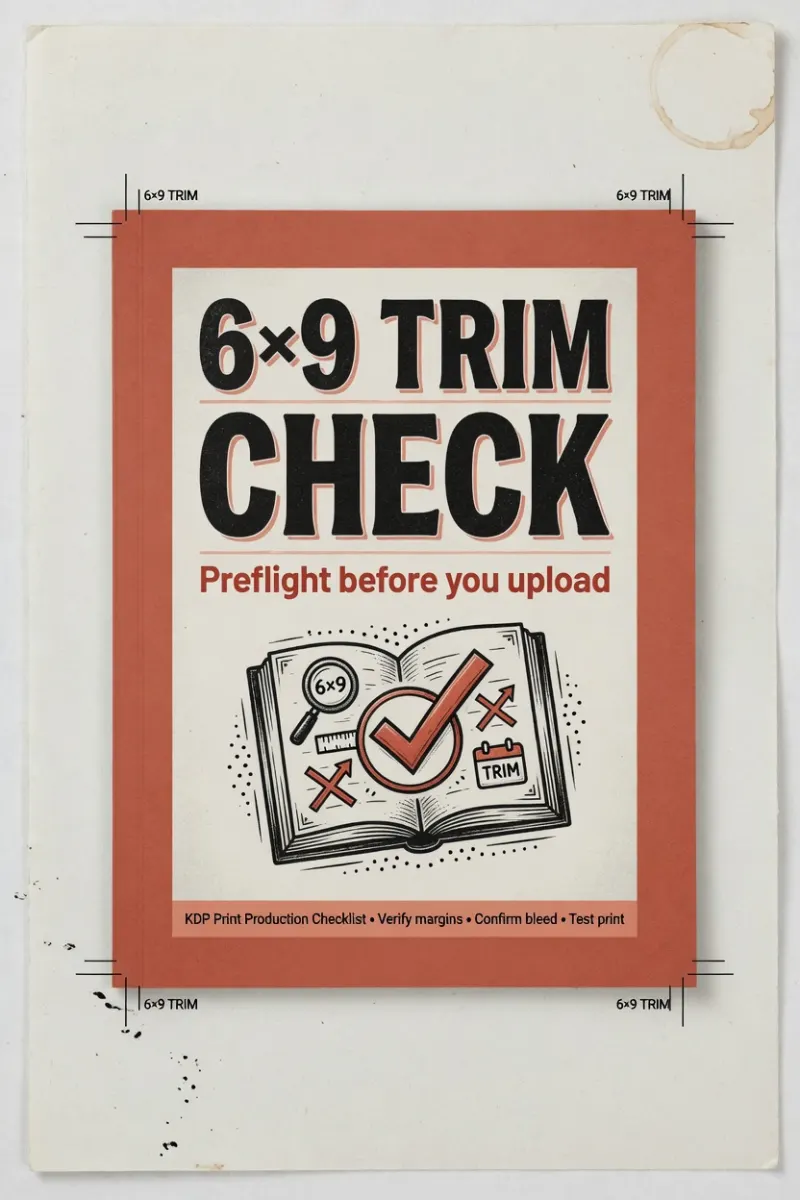
Free 6 × 9 KDP template
Free slop risk checker
Free DOCX preflight
Private DOCX to EPUB preview
Free manuscript release preview
Interactive ebook typography preview
Interactive release checklist
Private EPUB validator online
Browser-only print PDF preflight
Free book image DPI checker
Free KDP metadata checklist
Free platform metadata check
Free KDP error decoder
Free ISBN validator
Free ISBN barcode preview
Free word counter
Free book title ideas
Free front matter generator
Free cover file check
Free KDP listing helper
Free printing cost estimator
Free series planner
Free writing goal tracker
Free chapter outline
Free author press kit
Free launch diagnoser
Free proof checklist
Free Amazon Ads break-even calculator
Free self-publishing cost calculator
Where to publish this book
KDP Select exclusivity checker
KDP language support checker
IngramSpark royalty calculator
Google Play Books country checker
Audiobook platform checker
Free check, then $39 for this book
Start with the free check. Choose one release for one approved title, or compare Studios when you need multiple private workspaces.
For one approved, text-led book. Start from an approved AI draft or your finished DOCX, with scope confirmed before payment.
Image-heavy redesign, illustration, and developmental editing · Sales, ranking, and marketplace acceptance guarantees · Multiple titles, workspaces, or team access · One accepted source version per title · Unstarted orders refundable within 14 days · 60-day re-export window from delivery
Check my manuscriptCheck the scope first. Refund eligibility depends on whether delivery has started. Refund policy
For prolific authors and series creators releasing multiple books.
Check the scope first. Refund eligibility depends on whether delivery has started. Refund policy
Monthly or yearly workspaces
Private capacity for one author (five workspaces) or one publisher (twenty workspaces). Single-owner: client invitations, approvals, teams, and white-label reports are not live.
For one author managing up to five active releases.
billed monthly · cancel anytime
Five single-owner workspaces. Series templates and collaborator roles are not current entitlements.
Choose Author StudioFor one account managing up to twenty active titles.
billed monthly · cancel anytime
Twenty single-owner workspaces. Client invitations, approvals, teams, and white-label reports are not live.
Choose Publisher StudioFor serious authors managing up to five active releases. Save 28% vs monthly ($590/yr).
billed once a year · manage billing yourself
Five single-owner workspaces. Series templates and collaborator roles are not current entitlements.
Choose Author StudioFor one account managing up to twenty active titles.
billed once a year · manage billing yourself
Twenty single-owner workspaces. Client invitations, approvals, teams, and white-label reports are not live.
Choose Publisher StudioShare the useful public step
Every public tool and guide includes direct share actions. Private project sources remain inside the signed-in workspace and are never attached to those public links.
Copy or post a public tool or guide in English, Chinese, or Spanish
Download a cover guide and hand the exact dimensions to a designer
Share the KDP checklist without exposing a private source file
Use the contact form for a professional collaboration pilot request
FAQ
The first inspection runs in your browser. You choose the exact file and version, see structural and KDP risks, and only create a private project when you explicitly continue.
No. It catches modeled file and structure risks and gives you a concrete next step. Amazon controls final acceptance, account, and marketplace decisions.
It can create a guided AI first draft after you approve the outline, or start from the finished DOCX you wrote. AI output still requires your editorial, factual, rights, and KDP disclosure review before publication.
The files are prepared for KDP upload, but Amazon still controls final acceptance, ranking, and account decisions. You remain responsible for rights, metadata, and any required AI-content disclosure.
The free check shows issues and a personalized route. The $39 pass produces the release package for one confirmed, text-led book — from the guided writer or your uploaded DOCX — and keeps re-exports open for 60 days.
Yes, and that is the strongest starting point. Upload the DOCX for a free inspection of modeled release risks, then pay only when the release files need producing.
Unstarted orders can be refunded within 14 days by emailing contact@shipmybook.com. Because digital work can begin immediately, eligibility depends on whether processing or delivery has begun. See the refund policy for details.
Multiply the final page count by the paper factor: 0.002252 in for white paper, 0.0025 for cream, 0.002347 for premium color. The cover calculator applies these automatically.
Bleed is the extra 0.125 inches of artwork trimmed off each outside edge. KDP requires it when images or backgrounds touch the page edge, and the cover always needs it.
Standard color suits minimal color use, like a few accent images. Premium color is for full-color interiors such as picture books and photo-heavy cookbooks, and it costs more per page.
The release package targets one confirmed scope: the previewed book or an accepted repair. Re-exports stay open for 60 days after payment, and the free browser checks remain available before you pay.
ShipMyBook
See the checked result and the $39 path before checkout. Have a DOCX? Check it on this page first.
 The First Bike on Maple Street
 Letters from the Front Porch
 A System You Can Keep
 KDP Upload Decoder
 6×9 Trim Check