Book trailer maker
AI book trailer generator
Turn the cover into a five-second reason to stop scrolling.
A book trailer does not need a full cast. Start with the cover, add one controlled camera move, and give the reader a question. The first five seconds are enough to test the idea.
Checked:
✓Image-to-video from the current cover✓Kling 2.6 and Wan 2.6 routes✓Vertical-friendly motion for social
Book media prompt lab
Book media prompt lab
Build a production-ready prompt before you spend a generation credit. The preview is free and runs in your browser.
Add a title, choose a direction, then build the prompt.
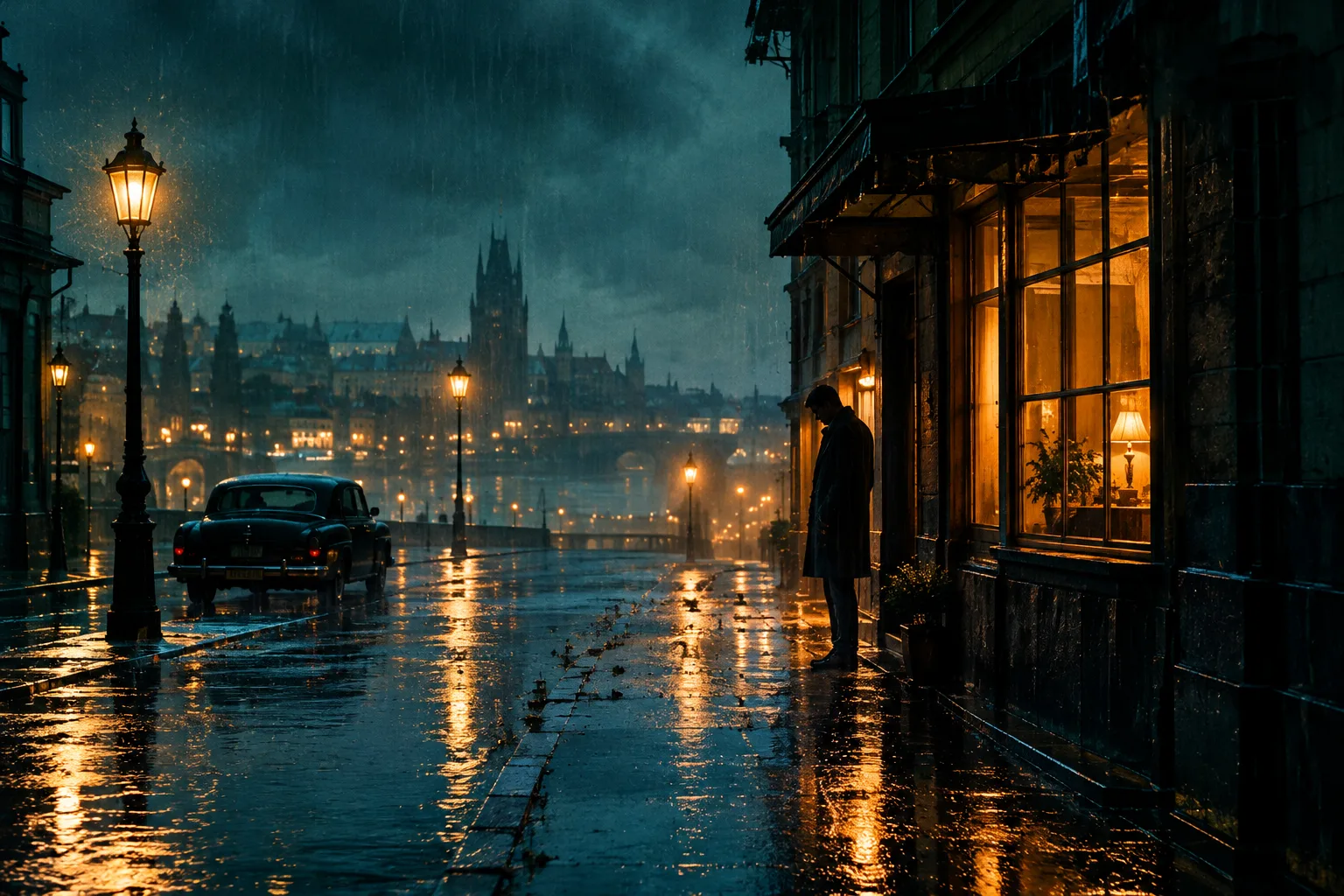
What a five-second cover trailer can do
A five-second trailer is a motion test, not a full book ad. It can make the cover breathe, push the camera in, move fog through a scene, or turn a still portrait into a moment. The constraint is useful: one idea, one camera move, one emotional beat.
The best first frame is the cover itself. If the cover already carries the genre promise, the video only needs to add motion and atmosphere. If the cover does not work as a still, animation will not fix the underlying art direction.
- Start from the cover, not a blank video prompt
- Use one camera move and one motion beat
- Keep the title placement stable
- Test the first frame before rendering a longer clip
Kling 2.6 or Wan 2.6?
Kling 2.6 is a good default for portrait motion, fabric, hair, and a cinematic push-in. Wan 2.6 is a practical option for atmosphere, fog, environmental motion, and longer shots. Both can work from a single cover image; the difference is how they handle the subject and the background.
Test the same cover and prompt on both models before committing to a campaign. Compare the face, the title area, the edges of the frame, and the amount of unwanted scene change. A model that produces a beautiful clip but rewrites the cover is not usable for a book trailer.
| Job | Model to test first | Prompt focus |
|---|---|---|
| Portrait breath or head turn | Kling 2.6 | Small motion, stable identity, slow push-in |
| Fog, weather, environment | Wan 2.6 | Atmosphere, drifting motion, stable subject |
| Vertical social hook | Either, tested with the same first frame | Readable subject in a 9:16 crop |
Design for the platform, not the player
A trailer that looks good in a desktop player can fail on a phone. Decide the platform before you generate: vertical for TikTok, Reels, and Shorts; horizontal for a website hero or YouTube; square only if the placement demands it. The cover's focal point needs to survive the crop.
Keep on-screen text out of the generated frame. Add captions, the title card, and the call to action in an editor where the words remain crisp and editable. A model that tries to draw the title will eventually misspell it.
A safe trailer workflow
Generate or choose the cover. Build the trailer prompt. Generate a five-second clip on one model. Watch it once with the sound off and once at phone size. If the identity holds and the motion supports the promise, keep it. If not, change one variable and render again.
Then add the title card, a short caption, and a real call to action. The clip is a hook; the landing page, retailer page, or email signup is the destination. Do not ask a five-second clip to explain the whole book.
- Cover first, then motion
- One variable per render
- Review muted and at phone size
- Add type and CTA in the editor
Rights, music, and honest claims
Use music you have the right to publish. Do not assume a platform's library covers every placement. If the trailer includes a person, make sure you have permission to use their likeness. If the book is AI-assisted, disclose that where the platform requires it.
Do not promise a bestseller, a ranking, or an Amazon feature in the trailer. The honest promise is the reading experience: the question, the character, the stakes, and the first page.
FAQ
Frequently asked questions
Can I make a book trailer from one cover image?
Yes. The image-to-video workflow uses the cover as the first frame and adds a controlled camera move and atmosphere. It is best for a short hook, not a full narrative scene.
Which model is better, Kling 2.6 or Wan 2.6?
Test both with the same cover and prompt. Kling 2.6 is often a good first test for portraits and cinematic push-ins; Wan 2.6 is useful for atmosphere and environmental motion. The right choice depends on the cover.
Why does the trailer change the cover?
Image-to-video models can drift when the prompt asks for too much motion or a scene change. Keep the instruction small, name what must stay, and review the title area and subject identity.
Should the trailer include the book title?
Add the title in an editor after generation. Generated lettering is unreliable. Keep the generated frame free of text and add a crisp title card in the edit.
What aspect ratio should I use?
Use 9:16 for short-form social, 16:9 for a website hero or YouTube, and a square crop only when the placement requires it. Check the subject at the final crop.
Can I use the trailer in paid ads?
Only with the rights to the footage, music, and likeness, and within the ad platform's rules. ShipMyBook does not provide advertising clearance or performance guarantees.
Was this publishing guide or tool helpful?
Give the cover five seconds of motion.
Build the trailer prompt, render one controlled shot, and add the title card in the edit. Keep the first frame recognizable.