AI book cover maker
AI book cover generator
An AI book cover generator that starts with the book you actually wrote.
Describe the reader, genre, and emotional promise. The workspace turns that brief into a cover you can inspect, edit, and size against the real KDP wrap instead of a square image from a chat window.
Checked:
✓2:3 portrait art with room for type✓GPT Image 2, Seedream 5, and Nano Banana✓Edit and size before a paid release
Book media prompt lab
Book media prompt lab
Build a production-ready prompt before you spend a generation credit. The preview is free and runs in your browser.
Add a title, choose a direction, then build the prompt.
What an AI book cover generator should produce
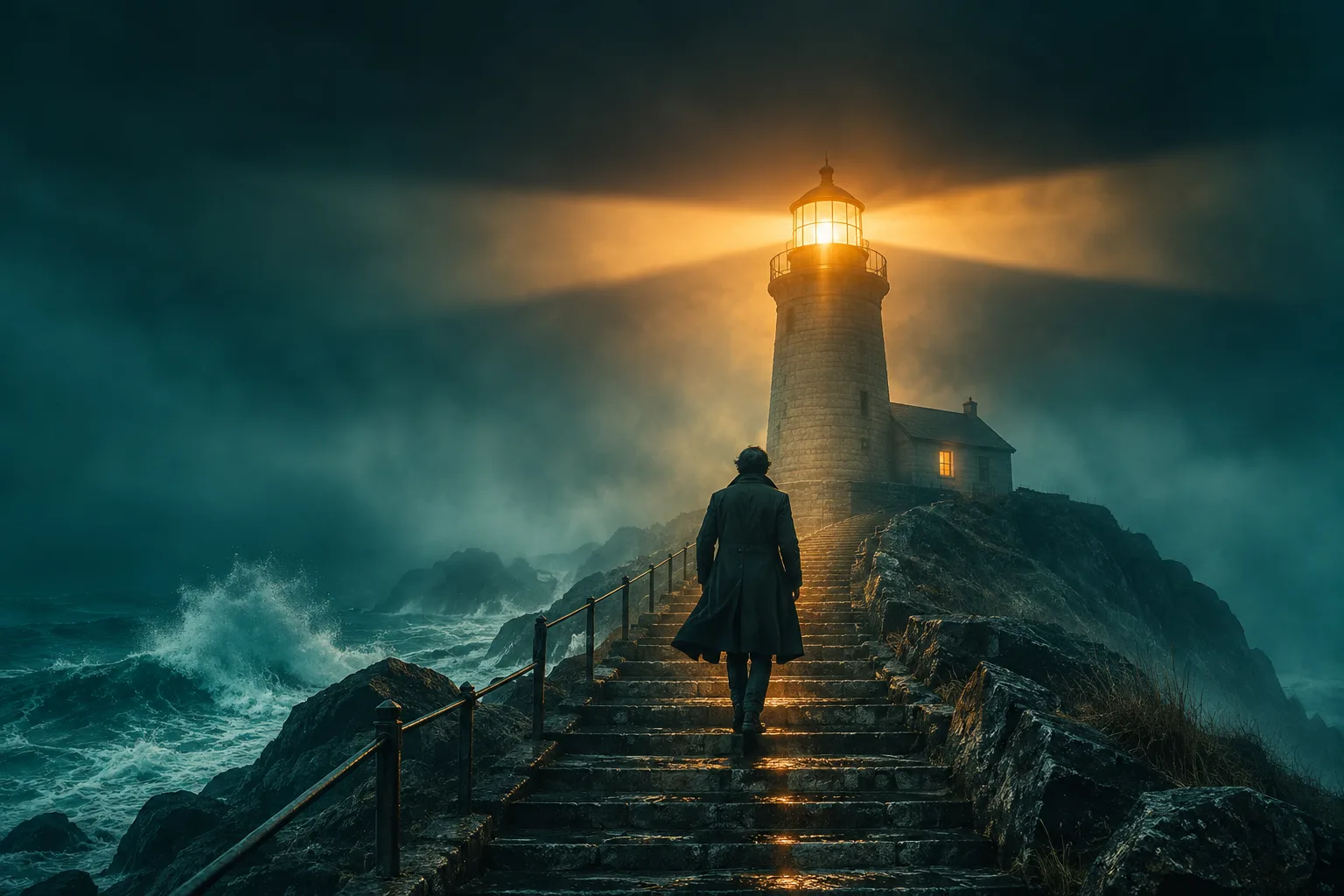
A useful cover generator does more than draw a pretty rectangle. It gives you a 2:3 portrait image with a readable focal point, controlled negative space for the title and author, and enough resolution to survive a store thumbnail. The image also has to fit the book's category: a thriller needs tension at small sizes, a memoir needs intimacy, and a business book needs a visual argument that reads in one second.
This workspace keeps the cover attached to the book brief. You can see the title, subtitle, genre, and cover direction together, generate a first image, then ask for a specific change without losing the rest of the book project.
- Start from the book brief, not a blank prompt box
- Keep the title and author editable after generation
- Review the cover before any release payment
Why the 2:3 frame and the empty space matter
Most book covers are closer to a portrait than a social-media square. A 2:3 frame leaves room for a title block at the top, an author line at the bottom, and a single visual idea in the middle. Square art can still be cropped into a cover, but the crop often cuts the subject or leaves no safe place for type.
The empty space is not wasted space. It is the part of the cover that tells the reader where to look. A generator that fills every corner with detail makes the title fight the art. A useful prompt asks for a clean title zone, a clear silhouette, and a background that supports the subject instead of competing with it.
| Zone | Job | What to check |
|---|---|---|
| Top third | Hold the title without covering the focal point | Contrast and quiet texture behind the words |
| Middle | Carry one visual promise | Subject reads at 120 px wide |
| Bottom third | Hold the author line or series mark | No busy pattern behind small text |
| Outer edge | Survive trim and bleed | Important art stays inside the safe area |
A genre direction that survives a thumbnail
Genre is a promise, not a decoration. A thriller cover usually needs a strong silhouette, hard light, and a question the reader cannot answer from the image alone. Romance needs relational tension and warmth. Nonfiction needs one conceptual object that makes the argument visible. Children's books need a friendly character and simpler shapes because the cover is often viewed at a distance.
The prompt lab on this page turns those choices into a working prompt. Choose the genre, the visual direction, and a model family, then copy the prompt into the generator. The goal is not to make every book look the same; it is to make the first draft close enough that editing is about taste rather than repair.
- Thriller: one silhouette, hard side light, restrained palette
- Romance: two figures, warm rim light, soft grain
- Nonfiction: one conceptual object, clean studio light
- Children's: one friendly character, rounded shapes, high readability
Generate, edit, then check the wrap
The first image is a draft. Use the edit mode to change the season, lighting, background, or mood while keeping the title placement and the subject identity. Then check the cover against the actual KDP geometry: trim size, page count, paper type, spine width, bleed, and the barcode zone. A cover that looks right in a browser can still fail because the wrap was built from the wrong page count.
The free KDP cover calculator on ShipMyBook produces the full-wrap size in inches and at 300 DPI. Use that number before you place the final artwork. The generator can make the picture; the calculator tells you whether the picture is the right shape for the book.
Which model should you use?
The workspace routes image generation through KIE today. GPT Image 2 is the general-purpose choice for polished commercial art, Seedream 5 is useful for editorial and photographic directions, and Nano Banana is a fast option for exploratory covers. The model names are not a quality ranking; they are different drawing habits. Test the same prompt on two models and compare the thumbnail, not the full-size image.
WaveSpeed, SeeAPI, Fal, and Replicate are the next provider adapters behind the same model registry. The page and the workspace keep the model choice separate from the provider so a future switch does not require rebuilding the cover workflow.
| Job | Useful model family | What to compare |
|---|---|---|
| Commercial genre cover | GPT Image 2 | Silhouette, title space, thumbnail contrast |
| Photographic or editorial cover | Seedream 5 | Skin, fabric, light, background restraint |
| Fast exploration | Nano Banana | Idea variety and prompt obedience |
| Cover edit | Seedream 5 Lite Edit / Nano Banana Edit | Identity, title placement, unwanted changes |
FAQ
Frequently asked questions
Is the AI book cover generator free?
The prompt lab and the cover preview are free. Generating a release cover inside a book project uses the same account and generation rules as the rest of the workspace; the $39 release is only for the final book package.
Can I use an AI-generated cover on Amazon KDP?
You can submit AI-assisted artwork when you have the rights to use it and you disclose AI-generated content honestly when KDP asks. Amazon still decides acceptance. ShipMyBook does not guarantee marketplace approval.
Why does the generator leave empty space at the top?
That space is for the title. A cover that fills every corner with art forces the title into a corner or over a busy background. The generator reserves a quieter title zone so the typography remains readable at thumbnail size.
Can I edit the cover after generating it?
Yes. The cover studio includes an edit mode that uses the current cover as the reference. It is designed to change the art direction while preserving the title and author placement.
Does the generator create the full KDP wrap?
The generator creates the front-cover artwork. The KDP wrap also includes the back cover, spine, bleed, and a barcode zone. Use the free KDP cover calculator to size the complete wrap before you export the final file.
Can I upload my own cover and edit it?
The current edit flow uses the cover generated inside a book project. Uploading an arbitrary external cover is a separate workflow and is not part of this page's free preview.
Was this publishing guide or tool helpful?
Generate a cover, then check the wrap.
Start with the book brief, approve the outline, and generate the cover in the same workspace. The free calculator stays next to the artwork.