AI book trailer generator
Book trailer maker
A thirty-second trailer is a sequence, not a longer cover animation.
Hook, character, stakes, turn, call to action. Five beats give the viewer a reason to keep watching and a place to go next. Build the script before you render the clips.
Checked:
✓Five-beat trailer structure✓Shot list with durations✓Copy-ready script prompts
Book media prompt lab
Book media prompt lab
Build a production-ready prompt before you spend a generation credit. The preview is free and runs in your browser.
Add a title, choose a direction, then build the prompt.
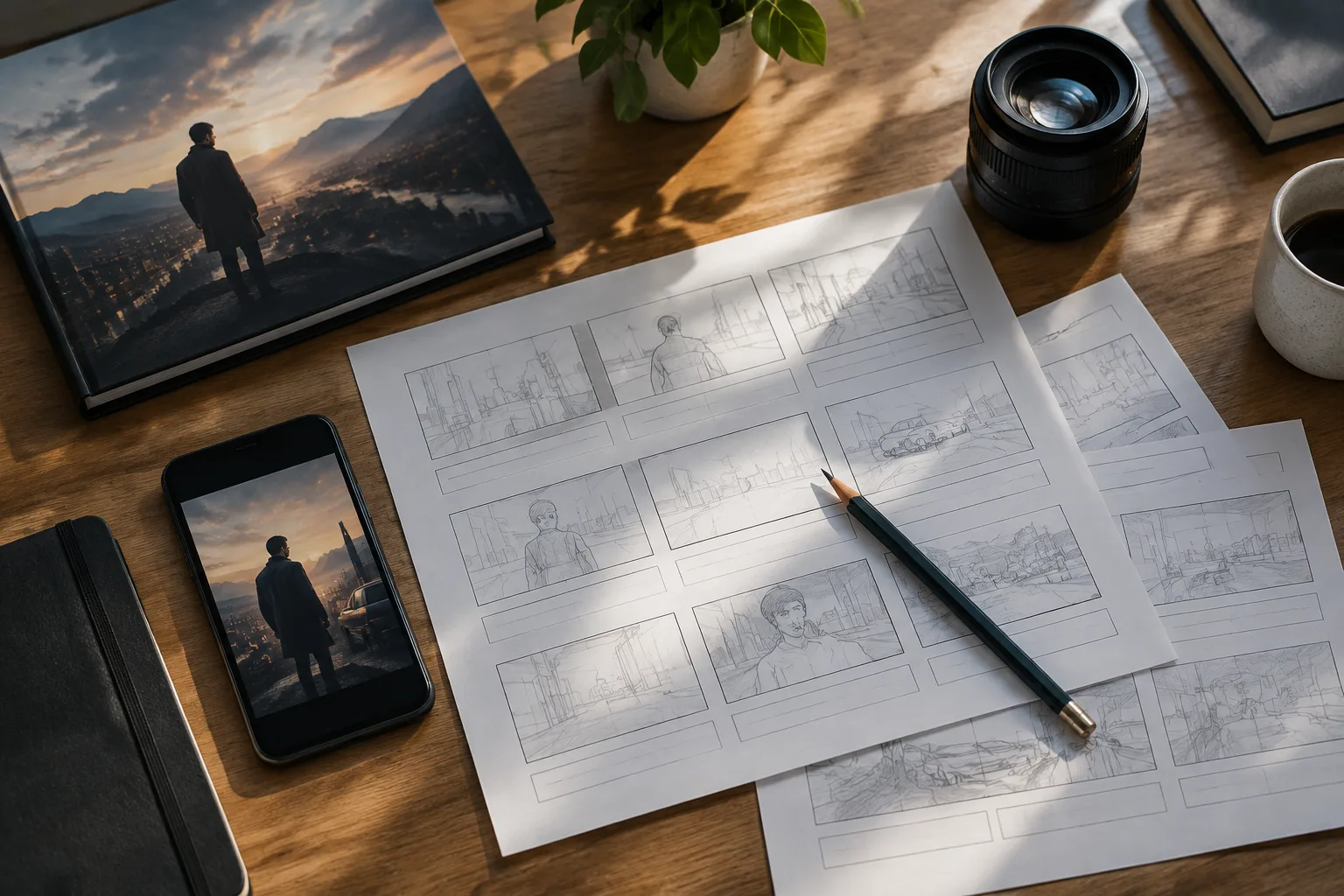
The five beats that keep a trailer moving
A short book trailer needs a hook, a character or idea, a stake, a turn, and a call to action. The hook earns the next second. The character gives the viewer someone to follow. The stake explains what can be lost. The turn creates a question. The call to action tells the viewer where to read more.
Thirty seconds is enough for five shots of roughly three to seven seconds each. It is not enough for a full plot summary. Treat the trailer like the back-cover promise, not the synopsis.
| Time | Beat | Job |
|---|---|---|
| 0-3s | Hook | One image and one line that create a question |
| 3-10s | Character | Who is this about, and what do they want? |
| 10-18s | Stakes | What happens if they fail? |
| 18-24s | Turn | The reversal or the line that makes the promise specific |
| 24-30s | CTA | Title, author, and one clear next step |
Write the script before the shot list
Start with one sentence for each beat. Keep the sentences short enough to read aloud in the time available. If a line takes more than four seconds, it is probably doing two jobs. Cut it or move it to the next beat.
Then turn each sentence into a visual. The visual can be a generated clip from the cover, a detail shot, a type card, or a simple motion graphic. The script decides the order; the visuals serve the order.
- One sentence per beat
- Read every line aloud with a timer
- One visual idea per shot
- Put the title and CTA in the final shot
Use the cover as a visual anchor
The cover is the most recognizable asset you have. Use it in the first shot or the last shot, and keep its composition stable. The other shots can be details, environments, or motion beats that support the same visual world.
If you generate new clips, keep one variable consistent: the same color grade, the same location, or the same character. A trailer that jumps between unrelated visual styles feels like a demo reel, not a book.
Edit for silence and small screens
Most viewers will see the first few seconds muted. Make the opening shot readable without sound and add captions for every spoken line. Keep the title card on screen long enough to read, and keep the call to action short enough to act on.
Check the trailer at phone size before you export. Fine detail disappears, faces get smaller, and captions compete with the image. If the story only works on a desktop monitor, it is not finished.
Measure the trailer like a landing page
A trailer has one job: move the viewer to the next step. Measure views, three-second retention, completion rate, clicks to the book page, and email signups. A low completion rate can mean the hook is weak; a high completion rate with no clicks can mean the call to action is unclear.
Do not judge the trailer by likes alone. A small, relevant audience that clicks through is more useful than a large audience that never reaches the book page.
FAQ
Frequently asked questions
How long should a book trailer be?
Thirty seconds is a practical default for social. A five-second cover animation is a hook, not a full trailer. Build the short version first and add scenes only when the hook works.
Do I need to film anything?
No. You can build a trailer from the cover, generated motion clips, type cards, and captions. Real footage can help, but it is not required for a first test.
What should the first shot be?
The first shot should create a question and be readable muted. A strong cover detail, a single character moment, or a striking environment works better than a logo animation.
Where should the call to action point?
Point to one destination: the book page, a preorder page, or an email signup. Do not split the audience across three links in a thirty-second clip.
Can I use the same trailer on every platform?
You can, but the crop and captions should match the platform. A vertical trailer with safe margins is usually a better starting point for short-form social.
Does ShipMyBook guarantee trailer performance?
No. The script and shot list are planning tools. Views, clicks, and sales depend on the book, the audience, the platform, and the creative execution.
Was this publishing guide or tool helpful?
Build the five beats before the render.
Use the script lab to write the hook, character, stakes, turn, and call to action. Then generate only the shots that earn their place.