AI book cover generator
AI book mockup generator
A mockup sells the object, not just the artwork.
Readers judge a book as a physical thing before they read the description. A good mockup shows paper, shadow, scale, and context without redesigning the cover.
Checked:
✓Photorealistic cover placement✓Scenes for ads, store pages, and social✓Cover art stays flat and readable
Book media prompt lab
Book media prompt lab
Build a production-ready prompt before you spend a generation credit. The preview is free and runs in your browser.
Add a title, choose a direction, then build the prompt.
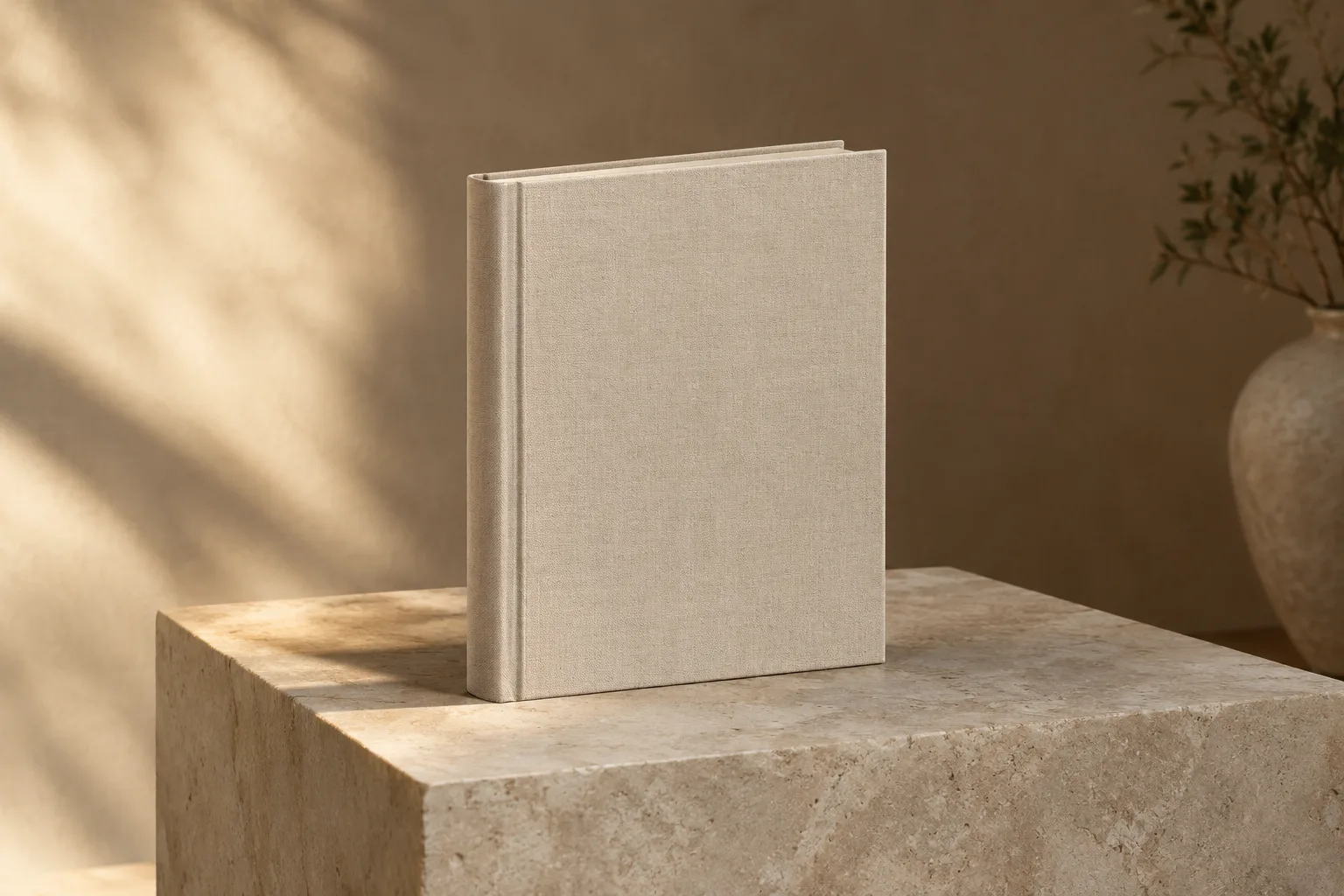
Mockup and cover are different assets
The cover is a flat design file. The mockup is a photograph or rendering of that design on a physical book. The mockup adds paper thickness, a spine, a shadow, a surface, and a sense of scale. It should not change the artwork, the title, or the author.
Use the flat cover for the KDP upload. Use the mockup for the store page, ads, social posts, and the author website. Mixing them up leads to a beautiful promotional image that cannot be printed.
| Use | Asset | What matters |
|---|---|---|
| KDP upload | Flat full wrap | Trim, spine, bleed, DPI |
| Store page | 3D mockup | Recognizable cover, clean shadow |
| Paid social | Lifestyle mockup | Thumbnail contrast and safe crop |
| Author website | Mockup or flat cover | Fast load and accurate color |
Choose a scene that matches the promise
A thriller mockup can use a dark table, hard light, and a single object. A romance mockup can use warm fabric and soft daylight. A business book can use a clean desk or a plain studio surface. The scene should support the category, not distract from the cover.
Keep the cover large enough to read. A tiny book in a wide lifestyle scene looks atmospheric but fails as a product image. If the mockup is for an ad, the cover should occupy enough of the frame to survive the platform's crop.
- One surface, one light direction, one story
- Cover readable at thumbnail size
- No extra books unless the series matters
- No text in the generated scene
Keep the series consistent
If you have a series, use the same mockup system: the same surface, the same light, the same camera height, and the same shadow. Change the book, not the world. That consistency makes the store page look intentional and helps readers recognize the next book.
Generate the mockup after the cover is final. A mockup built from a draft cover will need to be redone when the title or artwork changes.
Export for the placement
A store page needs a clean, square-ish image with the book centered. A vertical social post needs a taller crop. A website hero needs a wide image with the book on one side and copy space on the other. Decide the placement before you generate the scene.
Check the final image at the size it will appear. A mockup that looks detailed at 1200 pixels may lose the title at 300 pixels. If the title disappears, crop closer or simplify the scene.
Do not let the mockup make false promises
A mockup can show a hardcover even if the book is only available as a paperback. It can show a thickness that does not match the page count. It can imply a box set that does not exist. Keep the promotional image consistent with the actual product.
If the book is ebook-only, show a device or a flat cover instead of a physical book. If the book is a paperback, use a paperback mockup with a believable spine. The image should help the reader recognize what they are buying.
FAQ
Frequently asked questions
Can I use a mockup as my KDP cover file?
No. A mockup is a promotional image. KDP needs a flat full-wrap file with the correct trim, spine, bleed, and resolution.
Should the mockup show a hardcover or paperback?
Show the format the reader can actually buy. A hardcover mockup for a paperback-only book creates a mismatch between the ad and the product page.
Can I generate a mockup from my existing cover?
Yes. Use the cover as the reference and ask for a scene, not a redesign. Keep the artwork flat, the title readable, and the number of books to one unless you are showing a series.
What size should a store-page mockup be?
Start with a square or 4:5 image that keeps the book large and centered. Export a separate vertical or wide version for social and website placements.
Why does the title look blurry in the mockup?
The generated scene may soften small details. Use a larger book in the frame, keep the cover flat, and add the title in the design file before generating the mockup.
Can I use the same mockup for every book in a series?
Yes, if the surface, light, camera height, and shadow stay consistent. Change only the book and the cover art.
Was this publishing guide or tool helpful?
Make the book feel real without changing it.
Build a mockup prompt from the cover, then export a version for the store page, the ad, and the author website.