AI book cover generator
AI book cover editor
Edit the cover you have instead of starting the book over.
A second cover draft should be a controlled edit, not a new lottery ticket. Keep the title zone, the subject, and the genre promise; change the lighting, season, background, or art direction.
Checked:
✓Reference-based cover editing✓Preserve title and author placement✓Seedream, Nano Banana, and GPT Image 2
Book media prompt lab
Book media prompt lab
Build a production-ready prompt before you spend a generation credit. The preview is free and runs in your browser.
Add a title, choose a direction, then build the prompt.
What a cover editor can change
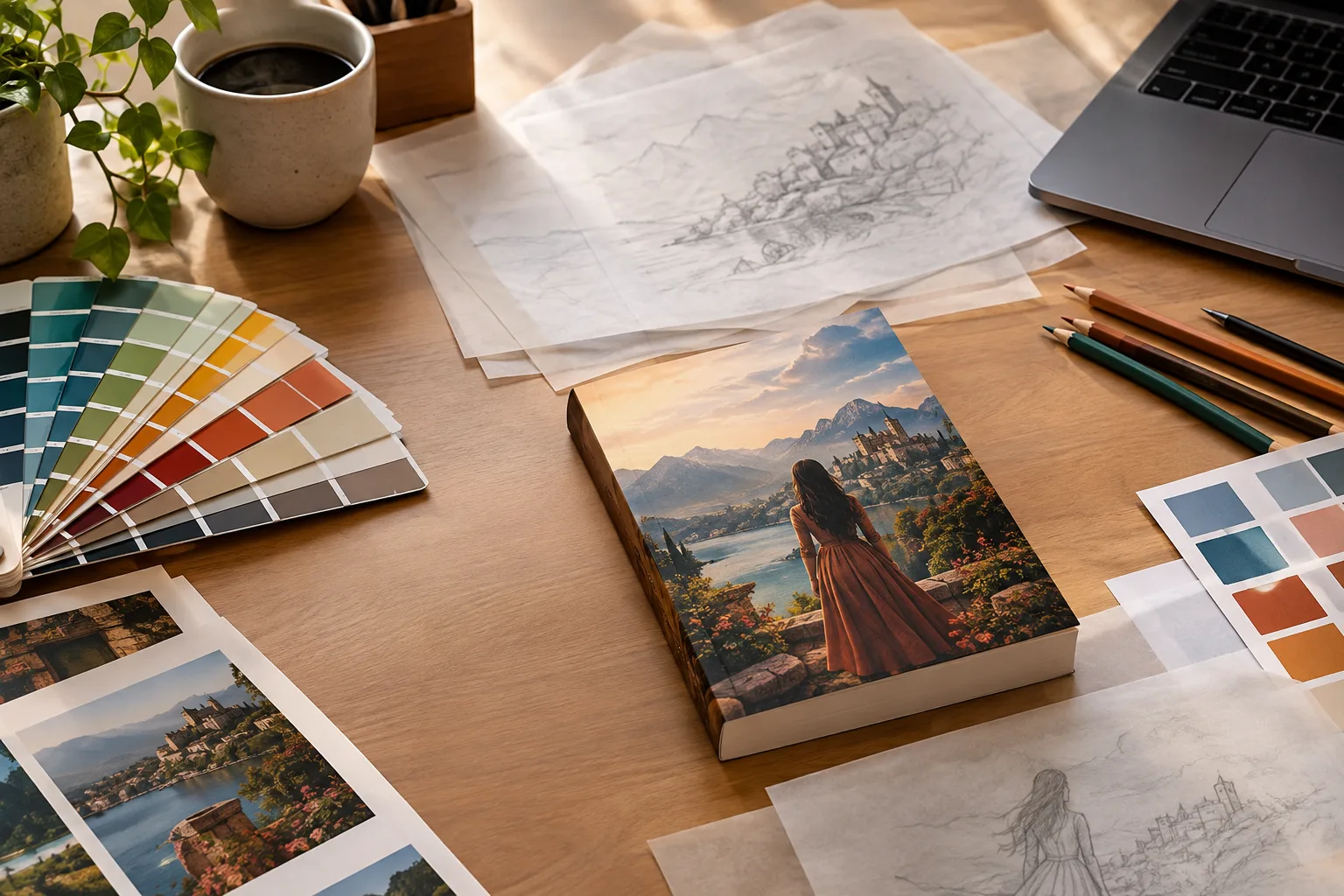
A reference-based editor takes the current cover and a written instruction. It can change the season, the weather, the background, the color grade, the lighting, or the costume. It can remove a distracting object or extend a simple background. It can also make a photographic cover feel more illustrated, or the reverse.
The useful constraint is what it should not change: the title and author placement, the number of people, the subject's identity, and the overall reading order. A model that redraws the face or moves the title is not editing; it is generating a different cover.
- Change mood, season, weather, or background
- Remove a distracting object
- Keep the title zone and subject identity
- Do not add new characters or text
Write the edit as a preservation list
The most reliable edit prompts have two halves. The first half names what must stay: the title and author placement, the subject's face, the number of people, the composition center, and the usable negative space. The second half names the one or two things that should change. A long list of changes gives the model too many ways to drift.
For example: keep the title and author placement, the subject's identity, and the composition; change the background from summer to late autumn and lower the light to a warm evening. Do not add text, logos, or extra people. That is a controlled edit with a testable result.
| Intent | Prompt language | What to inspect |
|---|---|---|
| Change season | Keep the subject and title zone; change foliage and light to late autumn | Face, title space, background clutter |
| Change mood | Keep composition; move from warm daylight to cool cinematic evening | Skin tone, contrast, readable title |
| Remove an object | Remove the object at the lower left; rebuild the background cleanly | Edges, shadows, repeated textures |
| Extend the scene | Keep the subject and extend the background to a 2:3 frame | Perspective, lighting continuity, crop |
Which edit model fits which job
Seedream 5 Lite Edit is a practical default for editorial and photographic changes. Nano Banana Edit is useful when you want a fast, literal edit with clear instructions. GPT Image 2 Edit is the choice for more complex scene reconstruction or a polished commercial finish. The differences are visible in how much of the original image survives.
Run the same edit prompt on two models when the cover matters. Compare the face, the title zone, the number of fingers, and the background edges. A model that produces a prettier image but moves the title is not the right model for this job.
Edit before you add the final type
If possible, edit the art before the final title is added. The model then has less opportunity to distort lettering, and you keep the title editable. If the title is already baked into the image, ask the model to preserve its exact position and do not ask it to redraw the letters.
After the edit, check the cover at thumbnail size and at print size. The thumbnail tells you whether the promise still reads. The print size tells you whether the edit introduced soft edges, repeated texture, or a low-resolution patch.
- Edit the art, then set the type
- If type is baked in, preserve its position exactly
- Check thumbnail and print size separately
When to stop editing and generate again
Stop editing when the subject identity drifts, the composition keeps moving, or every edit adds a new artifact. At that point the original image is fighting the instruction. Generate a new direction from the same brief and compare it with the edited version.
Keep the cover that is easier to explain. If you cannot name why the new version is better for the reader, the edit is probably decoration rather than improvement.
FAQ
Frequently asked questions
Can I edit a cover I did not generate on ShipMyBook?
The current cover editor works on the cover attached to a book project. Uploading an arbitrary external cover is a separate workflow and is not part of this page's free preview.
Will the editor keep my title exactly the same?
The prompt asks the model to preserve the title and author placement, but no image model is perfectly reliable with lettering. Review every character. If the title is baked in, keep a clean copy of the original.
Which edit model is best for faces?
Test the same prompt on Seedream 5 Lite Edit and Nano Banana Edit, then compare identity, skin texture, and the number of people. GPT Image 2 Edit is the next test when the scene needs a larger reconstruction.
Can the editor remove text or a logo?
It can be asked to remove an object or a mark, but the result needs inspection. Removing lettering often leaves a smeared patch. Rebuild that area with a clean background instead of asking for a perfect erase.
Does editing change the KDP wrap?
No. The wrap is determined by trim size, page count, paper, and bleed. Editing the image does not change the geometry. Recheck the wrap after any interior page-count change.
How many edits should I try?
Two or three focused edits are usually enough. If the cover keeps drifting, generate a new direction from the brief instead of stacking more instructions on a failing image.
Was this publishing guide or tool helpful?
Edit the cover without losing the book.
Generate a cover inside a book project, then use the edit mode to change the art direction while keeping the title zone stable.