AI book cover generator
AI book cover prompt generator
A cover prompt is a design brief the model can actually follow.
The difference between a usable cover and a random illustration is usually the brief: one subject, one composition, one light direction, a title zone, and a list of things the model must not add.
Checked:
✓Genre-aware prompt structure✓Title-zone and negative-prompt fields✓Copy-ready for three image models
Book media prompt lab
Book media prompt lab
Build a production-ready prompt before you spend a generation credit. The preview is free and runs in your browser.
Add a title, choose a direction, then build the prompt.
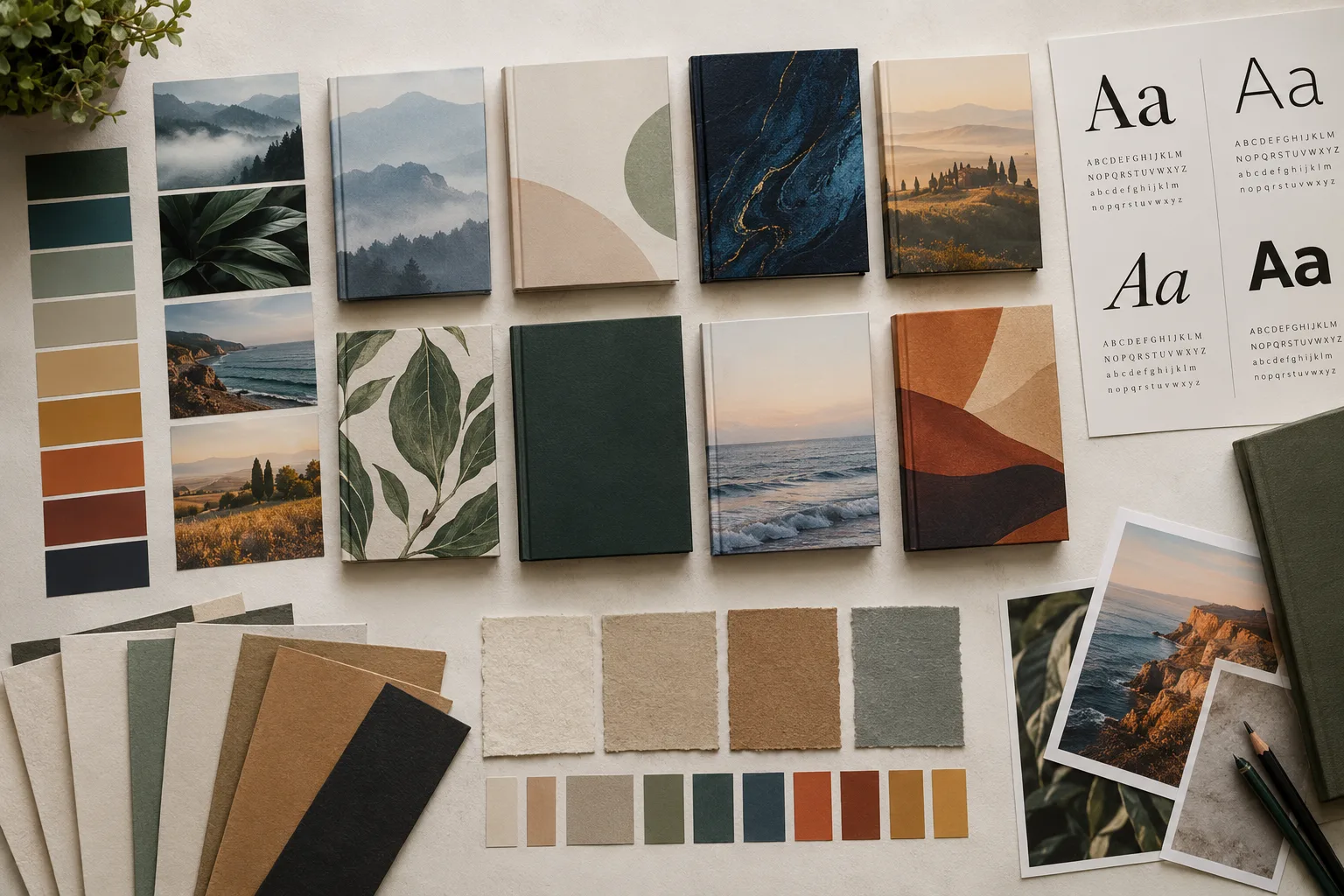
The six parts of a cover prompt
A cover prompt has six useful parts: the subject, the genre promise, the composition, the lighting and palette, the title zone, and the exclusions. Most weak prompts only include the subject and the genre. The model then fills the frame with detail and leaves no place for the title.
Write the subject as one concrete image, not a list of themes. 'A lone lighthouse keeper on a stone stair in a storm' is workable. 'A story about loneliness, the sea, and memory' is a brief for a different conversation.
| Field | What to write | Example |
|---|---|---|
| Subject | One concrete image | A lone lighthouse keeper on a stone stair |
| Genre promise | The emotional signal | Suspenseful, restrained, literary |
| Composition | Where the subject sits | Subject low, sky and title space above |
| Light and palette | One light direction and a short palette | Hard side light, teal and amber |
| Title zone | Where type can land | Quiet dark sky in the top third |
| Exclusions | What must not appear | No text, watermark, fake spine, or extra people |
Why the negative prompt matters
Cover images fail in predictable ways: fake lettering, watermarks, a second person, extra fingers, a barcode, a fake spine, or a title zone filled with detail. A negative prompt will not guarantee perfection, but it gives the model a clearer boundary.
Keep the negative prompt short and specific. A long list of unrelated exclusions can dilute the instruction. Start with the failures you actually see in the first render, then add one or two at a time.
- No text, letters, watermark, or logo
- No fake spine or barcode
- No extra people or duplicated limbs
- No busy detail in the title zone
Different models need different prompt shapes
GPT Image 2 responds well to a clear commercial art direction and a specified aspect ratio. Seedream 5 is strong on photographic and editorial detail; it benefits from material, light, and lens language. Nano Banana is fast and literal; it needs a simpler composition and fewer competing ideas.
The prompt lab uses the same brief across models so you can compare the results. Do not rewrite the whole prompt for each model on the first test. Change one variable and see what the model does with it.
| Model family | Add | Avoid |
|---|---|---|
| GPT Image 2 | Commercial finish, clear focal point | Too many scene changes |
| Seedream 5 | Material, lens, light, texture | Vague mood words only |
| Nano Banana | One subject, one composition | Long lists of art references |
Test at thumbnail size, then at print size
A cover has two audiences: the thumbnail and the printed object. The thumbnail test asks whether the genre and subject read in one second. The print test asks whether the edges, textures, and type zone survive at 300 DPI. A prompt can produce a beautiful full-size image that fails both tests.
Generate a draft, shrink it to 120 pixels wide, and look at it on a phone. If the subject disappears, simplify the composition. If the title zone disappears, move the subject or change the light.
Save the prompt with the book
Keep the winning prompt with the book project. When the cover needs a seasonal variant or a series sibling, start from the saved prompt and change one field. That is faster and more consistent than reconstructing the brief from memory.
The prompt is part of the production record. If you need to explain how the cover was made, the prompt and the model are more useful than a screenshot of the result.
FAQ
Frequently asked questions
What makes a good AI book cover prompt?
A concrete subject, a genre promise, a clear composition, one light direction, a title zone, and a short list of exclusions. The prompt should describe a design, not a list of themes.
Should I include the title in the prompt?
Usually no. Ask the model to leave space for the title and add the words in a layout tool. Generated lettering is unreliable and hard to correct.
Do negative prompts work?
They help, but they are not a guarantee. Keep them short and specific, and add only the failures you actually see in the render.
Can I use the same prompt on different models?
Yes, for the first comparison. Then adjust one variable per model. GPT Image 2, Seedream 5, and Nano Banana respond to different kinds of detail.
How do I know the prompt is good enough?
Test the result at thumbnail size and at print size. If the genre, subject, and title zone still read at 120 pixels wide, the prompt is doing its job.
Can I save a prompt for a series?
Yes. Keep the composition, type zone, and light language stable, then change the subject and season for each book.
Was this publishing guide or tool helpful?
Build the brief before the render.
Use the prompt lab to write the subject, composition, light, title zone, and exclusions. Copy the result into the model you want to test.